The Tyranny of the Thumb: How Casino Apps Are Redesigning Everything for One Hand
Photo: Mictlancihuatl, CC BY-SA 4.0, via Wikimedia Commons
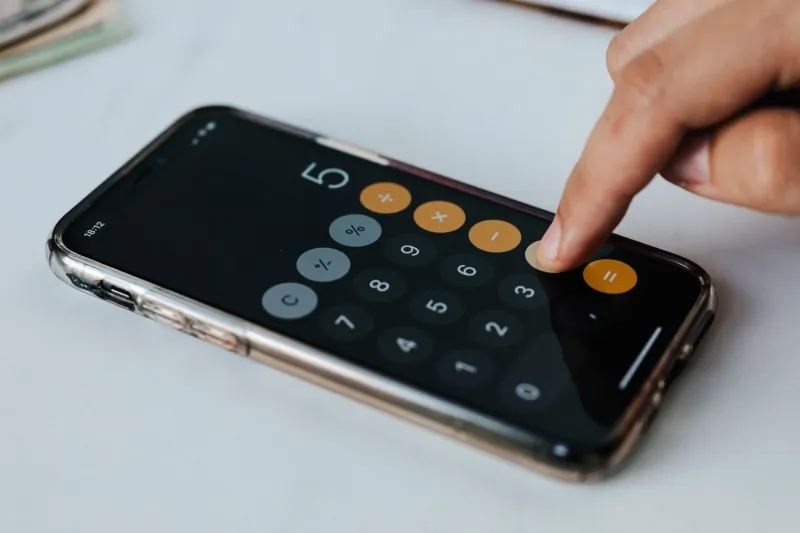
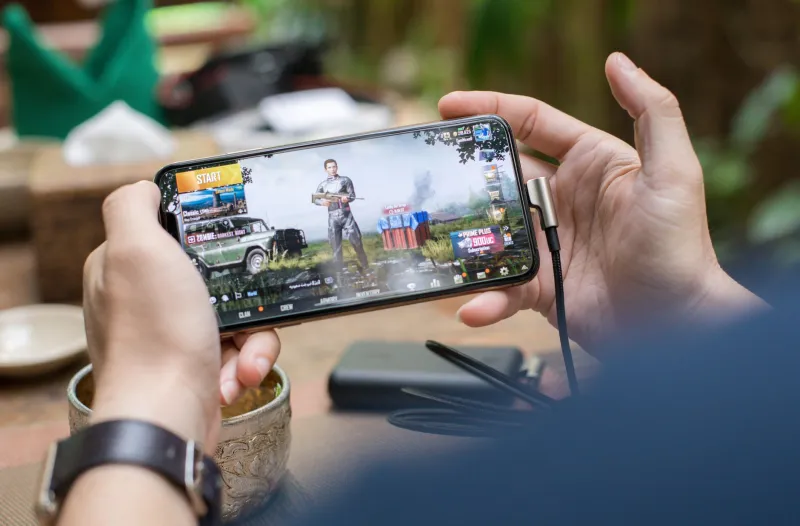
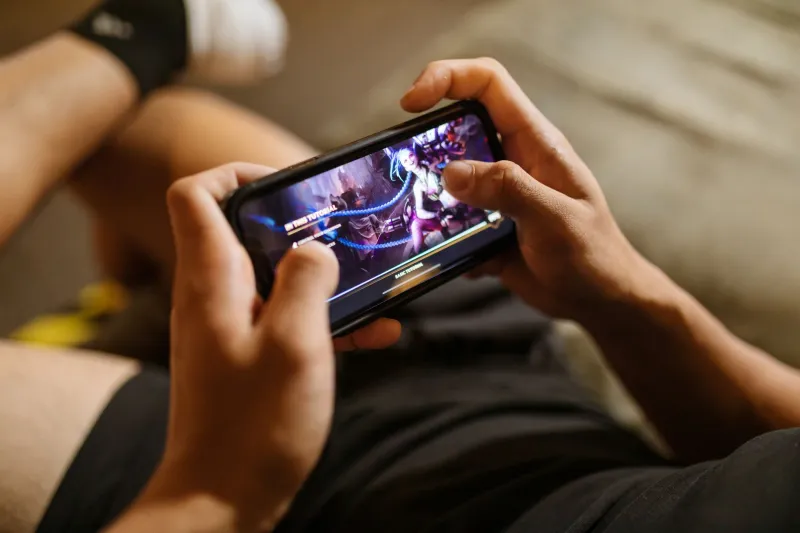
Pull out your phone right now and hold it the way you actually hold it — not the way a tech commercial pretends you do. One hand. Thumb doing the work. That's how most Americans use their phones, and mobile casino developers know it down to the millimeter.
The result is an entire design philosophy built around what UX researchers call the thumb zone: the arc of comfortable reach across your screen. Where your thumb naturally falls determines where the spin button lives, how big the bet adjuster is, and whether cashing out takes one tap or seven. Understanding this stuff isn't just trivia — it changes how you play.
Why the Thumb Zone Matters More Than You Think
Reachability studies on smartphone use consistently show that the bottom third of the screen is prime real estate, while the top corners are basically no-man's-land for one-handed use. Casino app designers have absorbed this lesson completely.
That's why the spin button on nearly every mobile slot sits in the lower-right corner — the sweet spot for right-handed thumbs. Bet controls cluster nearby. Autoplay toggles are a thumb-flick away. Nothing about that layout is accidental; it's the product of thousands of hours of usability testing aimed at one goal: keep you playing without ever needing a second hand.
The upside is real. One-handed design makes mobile casino games genuinely more accessible — you can play while holding a coffee on the L train or waiting in a school pickup line. The downside is equally real: when the most important action in a game is the easiest one to take, friction disappears. And in gambling, friction is often the only thing standing between a planned session and a spiral.
The Mechanics That Follow the Thumb
Look closely at modern mobile casino games and you'll see the thumb's fingerprints everywhere:
- Swipe-to-spin. Slots borrowed the gesture from dating apps and social feeds. Flicking to spin feels less like betting and more like scrolling — a subtle but powerful reframing.
- Persistent bet sliders. Adjusting your wager mid-session takes a second, which keeps stakes creeping upward without a natural stopping point.
- Bottom-anchored menus. Banking, promotions, and game lobbies all live at the bottom of the screen, where your thumb already is. The promo tab is rarely more than one tap away.
- Haptic feedback. That little buzz when the reels land gives your hand something to do, even when your eyes are elsewhere.
None of these features are inherently sinister. But stacked together, they create a session that flows without interruption — and interruptions are where players historically reconsidered their bets.
What a Well-Designed Casino App Gets Right
The best US-facing casino apps treat the thumb zone as a responsibility, not just a conversion tool. Look for these signs:
A visible, easy-to-find balance display. Your bankroll should be glanceable at all times, not buried two menus deep.
A deposit flow with built-in pauses. Some apps require you to confirm deposit amounts on a separate screen or wait through a short cooldown. Annoying? A little. Responsible? Absolutely.
Session reminders that interrupt, not nag. A pop-up that pauses the game and shows time played beats a passive banner you'll never read.
Consistent button placement across games. If the cash-out button moves between titles, that's a friction problem working against you.
Apps from major regulated operators — the ones licensed in states like New Jersey, Michigan, and Pennsylvania — tend to handle this better than offshore platforms, partly because state regulators actually audit the user experience around deposits and self-exclusion.
Red Flags: When One-Handed Design Goes Wrong
Not every app uses the thumb zone ethically. Watch for:
- One-tap deposits with no confirmation screen. If refilling your balance is faster than sending a text, that's deliberate.
- Bet-size buttons that default upward. Some games quietly remember your highest recent wager and make it the default on your next session.
- Cash-out flows longer than deposit flows. Count the taps. If getting money in takes one step and getting money out takes six, the asymmetry tells you everything.
- Landscape-only games that force two hands. Occasionally a two-handed grip is the point — it removes the option of casually closing the app.
Play With Both Eyes Open
You don't have to fight the design — just know it's there. A few practical moves:
- Move your banking app icon next to your casino app. The visual reminder that real money is involved does more than any willpower speech.
- Set deposit limits inside the app before you ever need them, when your thumb isn't the one making decisions.
- Flip your default grip. Left-hand the phone for a session and you'll notice how much of the layout was built for the other thumb — a surprisingly effective way to see the design instead of just using it.
- Use the pause. When a session reminder pops up, treat it as a real decision point, not a speed bump.
Mobile casino gaming is only getting more thumb-native — expect voice bets, gesture controls, and even tighter one-hand flows in the next few years. The players who come out ahead aren't the ones with the fastest reflexes. They're the ones who understand that every pixel on that screen was placed with intent, and who play like they know it.